Is It Safe to Edit a PDF Online? What to Check First
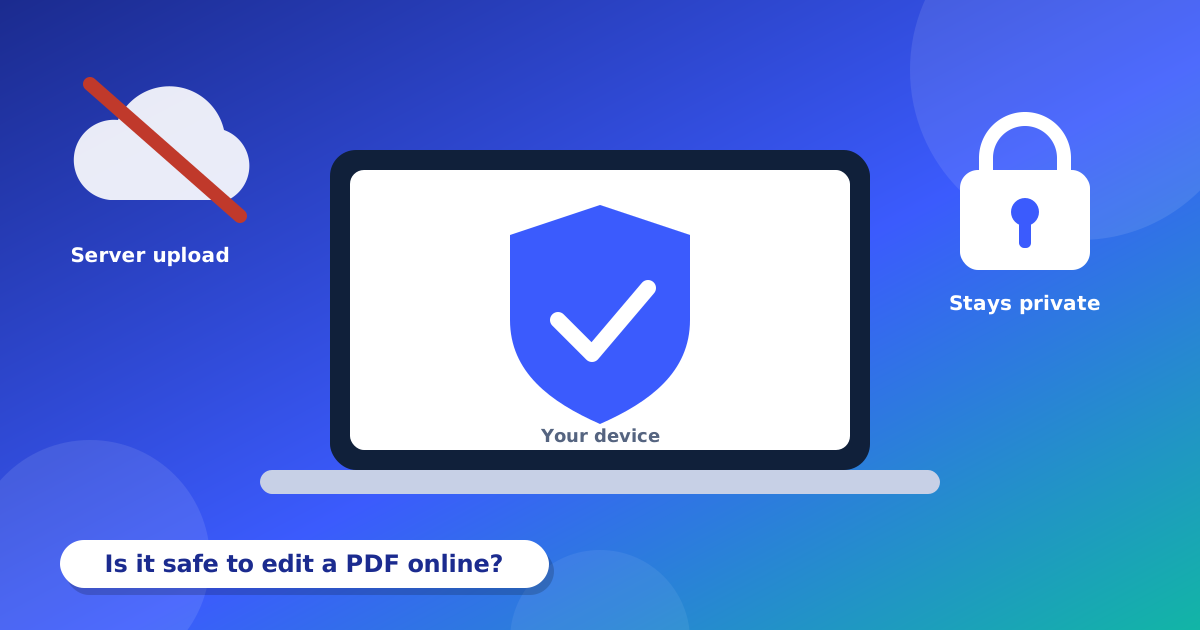
We put many private papers in PDFs. Bills, contracts, ID copies and bank papers are some of them. Before you use any PDF editor online, it is smart to ask: what happens to my file? This guide helps you find the answer.
Two kinds of online tools
Server tools take your file and send it to their computer. They fix it there and send it back. This means a copy of your file is on someone else's computer, even for a short time.
Browser tools do the work on your own phone or computer. Your file does not go anywhere. Sejda PDF Editor is a browser tool.
A quick checklist
- Read the privacy policy. Does it say your file is kept on your device, or deleted fast?
- Look for HTTPS. The web address should start with https and show a small lock.
- Watch for forced sign-ups. You should not need an account only to open a file.
- Look at the ads. If a page is full of pop-ups and strange buttons, leave it.
- Check who runs the site. A real site has an About page and a way to contact the owner.
How does this editor work?
When you open a PDF here, it is read inside your browser. The editing is done in your browser too. We do not upload your file to our servers. You can read the full Privacy Policy. It also explains how ad cookies work.
A small tip for extra safety
Even with a safe tool, be careful with very secret papers. Use a computer you trust. Do not use a public computer at a shop or a library for your ID or bank papers. When you finish, close the page.
An important limit
A black box in a PDF hides words only by covering them. The words can still be inside the file. So a black box is not safe for secret information. If you must hide something for real, use a special redaction program.
Why does this matter?
A PDF can hold your name, address, phone number, ID number and bank details. If a bad person gets this, they can try to trick you or steal from you. This is why it is good to choose your tools with care.
Things you should never do
- Do not edit your ID or bank papers on a public computer.
- Do not use a website that asks for your password to open a file.
- Do not click on ads that say "Your computer has a virus".
- Do not send a password in the same message as the locked file.
Good habits for private files
- Keep a copy of your first file in a safe place.
- Put a password on files you send by email. Our Protect PDF tool can do it.
- Delete old copies you do not need.
- Keep your phone and browser up to date.
- Close the page when you finish.
Questions and answers
How can I know if a tool uploads my file?
Read the privacy policy. You can also turn off your internet after the page loads. If the tool still works, it is doing the work on your device.
Is a free tool less safe than a paid tool?
Not always. What matters is where the work is done and what the privacy policy says.
Does Sejda PDF Editor keep my files?
No. Your files are used in your browser only. We do not upload them or keep them.