How to Remove a Watermark From Your Own PDF
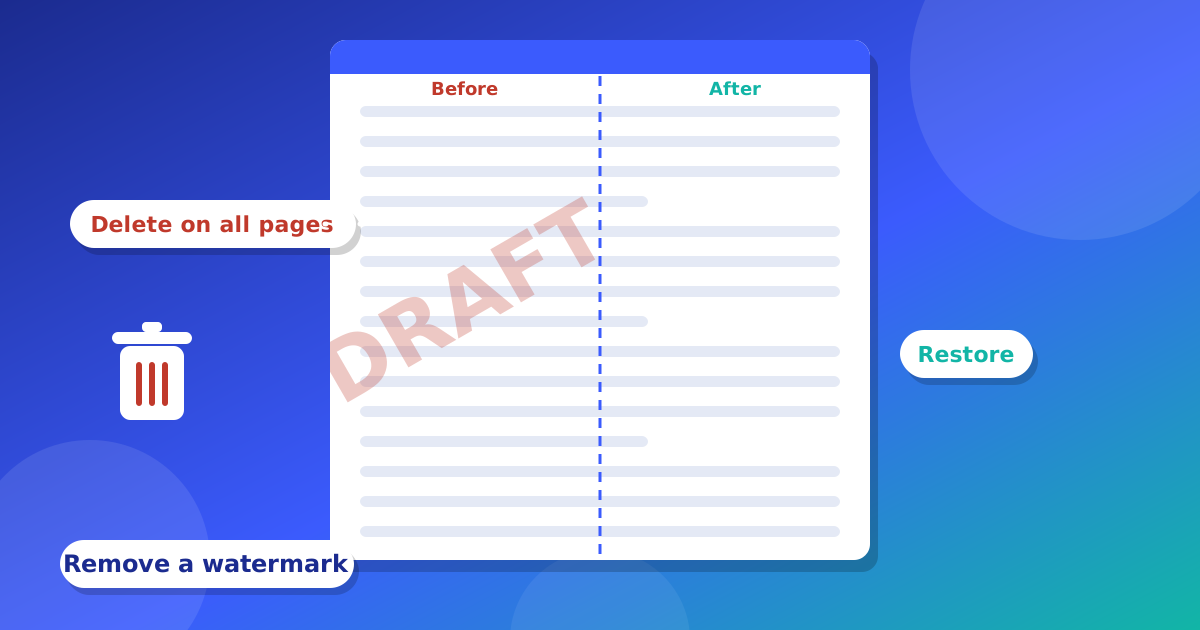
A watermark is a word or a logo that shows behind or on top of a page. People use it for words like "DRAFT" or "CONFIDENTIAL", or for a company logo. Sometimes you need to take it off. For example, your boss says the paper is final now. This guide shows you how to remove a watermark from a PDF that is yours. It also shows how to add your own.
Please remember: only remove a watermark from a file you own, or when the owner says it is okay. Taking a watermark off someone else's work can break the law.
What is a watermark made of?
A watermark is usually one of three things:
- Words turned at an angle across the page, like "DRAFT".
- A picture or logo that is on every page.
- A special object that the PDF marks as a watermark.
If you know which one you have, it is easier to remove.
How to remove a watermark
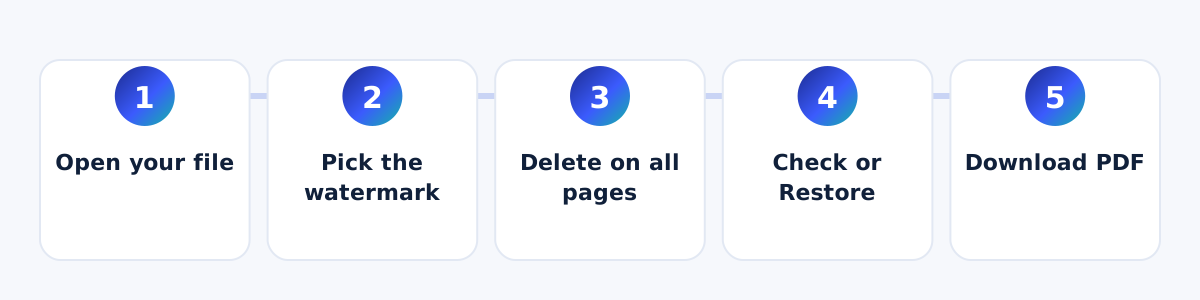
- Open your file in the PDF Editor.
- Move your mouse over the watermark, or tap it on a phone. The editor shows what can be picked.
- Press "Delete from this page". To remove it from every page, press "Delete on all pages".
- Look at your pages. If you took away too much, press "Restore" to bring everything back.
- Press "Download PDF".
What if I cannot pick the watermark?
If your PDF is a scan, the watermark is part of the picture. You cannot pick it. Use the "Whiteout" tool to cover it with a white box. Or use the "Grab" tool to pick a part of the page and delete it.
How to add your own watermark
- Open your PDF in the editor.
- Press "Add text watermark" for words, or "Upload image watermark" for a logo.
- Choose how clear it should look. A low number like 15 to 30 percent keeps the page easy to read.
- Choose where it sits on the page, and which pages get it.
- Download your PDF.
Tips
- Always keep a copy of your first file.
- Check every page after you remove a watermark.
- Some watermarks have real words under them. If those words go too, press "Restore".
Why do people use watermarks?
A watermark tells the reader something about the paper. "DRAFT" means the paper is not final. "CONFIDENTIAL" means it is private. A logo shows who made it. When the paper is final, the watermark may not be needed anymore. That is the time to remove it, if the paper is yours.
Which watermark should I use?
- Words: good for "DRAFT", "PAID" or "COPY".
- A logo: good for a company paper or a school paper.
- A light color or low number: good when people must still read the page.
Common problems and easy fixes
- The watermark comes back on some pages. Use "Delete on all pages". It removes every copy that matches.
- Some real words went away too. Some PDFs put the page words inside the watermark. Press "Restore" and use a white box on that part instead.
- My watermark is too strong. Lower the opacity number and add it again.
- My new watermark is in the wrong place. Change the position, then check the page again.
Questions and answers
Is it okay to remove a watermark?
It is okay for your own files, or when the owner says yes. It is not okay to take a watermark off someone else's work.
Can I remove a watermark from a scanned PDF?
You cannot pick it, because it is part of the picture. You can cover it with a white box.
Does this change my first file?
No. You download a new file.